The Killer - FMV Interactive Narrative Game
DEVELOPMENT TOOLS: Unity, Photoshop, Adobe Premiere, After Effect
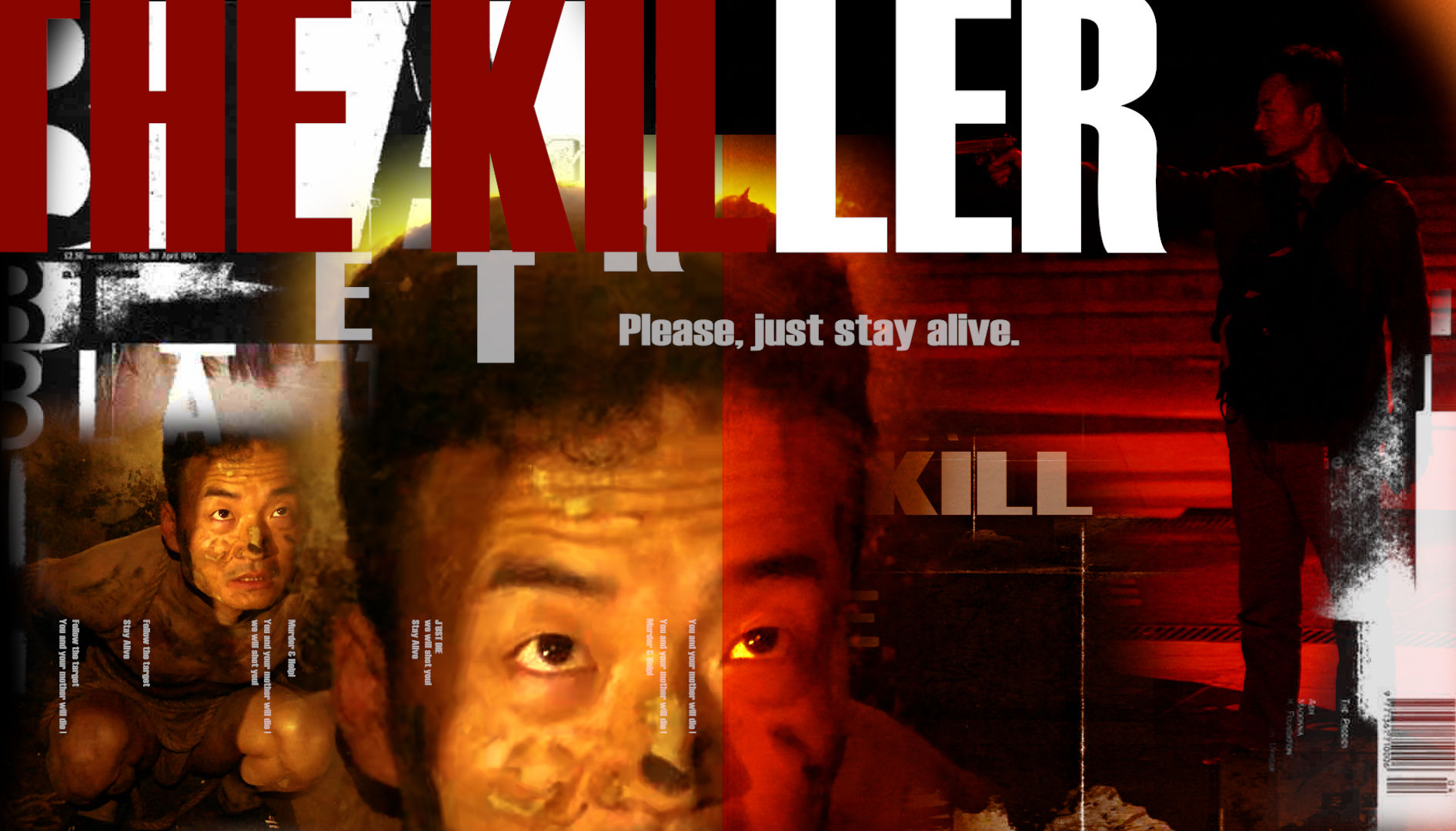
A debt-enslaved kidnapping victim must execute a mall assassination—players navigate surveillance and time pressure through "investigation + decision-making" to alter the fates of the director, mother, and himself.
Project Overview
“The Killer”is a full-motion video (FMV) interactive narrative PC game demo. Players are not merely "witnessing violence"—they are forced to commit it.The client takes the Killer’s mother hostage and coerces him into carrying out an assassination to repay the debt. The player assumes the role of the Killer in first person, caught between violent coercion and an ethical dilemma. Under the pressure of a real time countdown, each click rewrites the outcome of the assassination—deciding who lives, who dies.
A life-or-death pressure experience—incomplete information, insufficient time, life-or-death choices. The differentiation lies in live-action cinematic performance + node-graph-driven branching narrative to craft suspense. The story’s rising action, climax, and resolution are compressed into different selections of fate, while limited time for selection create suffocating pacing and miscalculations for the player.
The Killer borrows debt to pay for his mother’s surgery but can’t repay it. The client forced him to kill some to pay his debt. The central conflict forces relentless choices between kill to survive” and “fight back against being killed.” The Killer returns home to say goodbye to his deaf mother and writes, “A heart donor has been found.” The Killer crossing through the subway, the train station, and a shopping mall; he experienced terror, struggle, searching, rescue, obedience, self-preservation, calling the police, surrender, and even self-destruction - until he finally arrive at the assassination location, a place where life and death are decided.. Each selection is full of suspense, forcing the player to gamble under uncertainty until the last gun shot.
Credits
Game Planning & Design: Zikun Chen
Director: Zikun Chen
Screenwriter: Zikun Chen
Director of Photography: Zikun Chen & Jian Zhang
Interaction & UI Design: Zikun Chen
Post-Production (Editing & Production): Zikun Chen
Programming & Technical Development: Qianqian Gong
Production Management: Teng Zhang
Link of the Demo: https://zikun-chen.itch.io/the-killer

Interaction Design
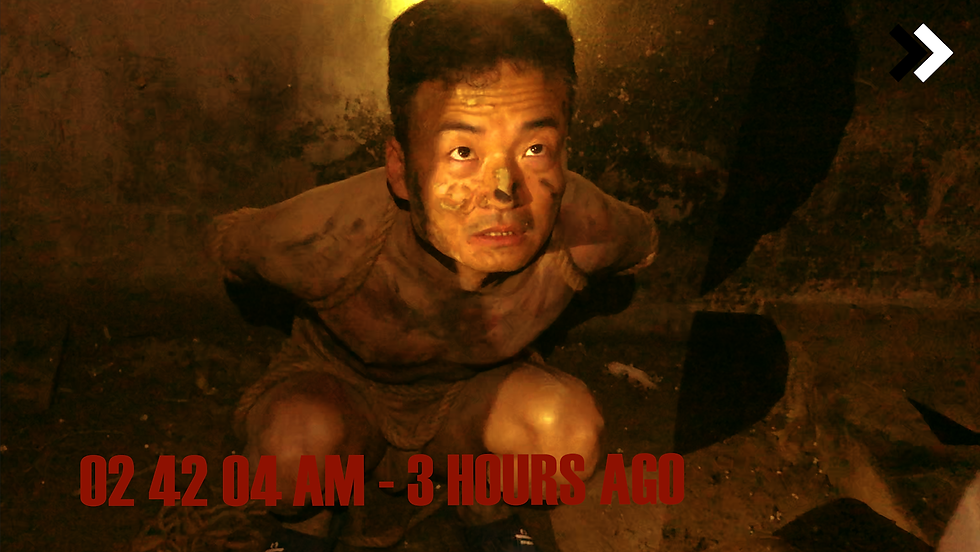
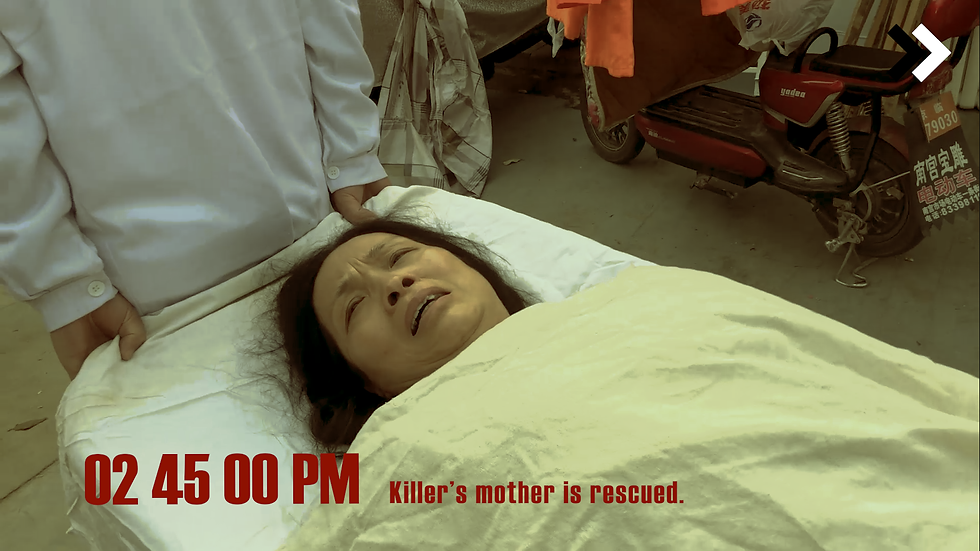
Core Loop: Reveal the task → Crisis → Search/Investigation → Escalating Crisis → Choices Appear (2–3 options) → Branch Plot Transition → Different Endings
N0 Hiding place & mission briefing
N1 Noticing surveillance on subway
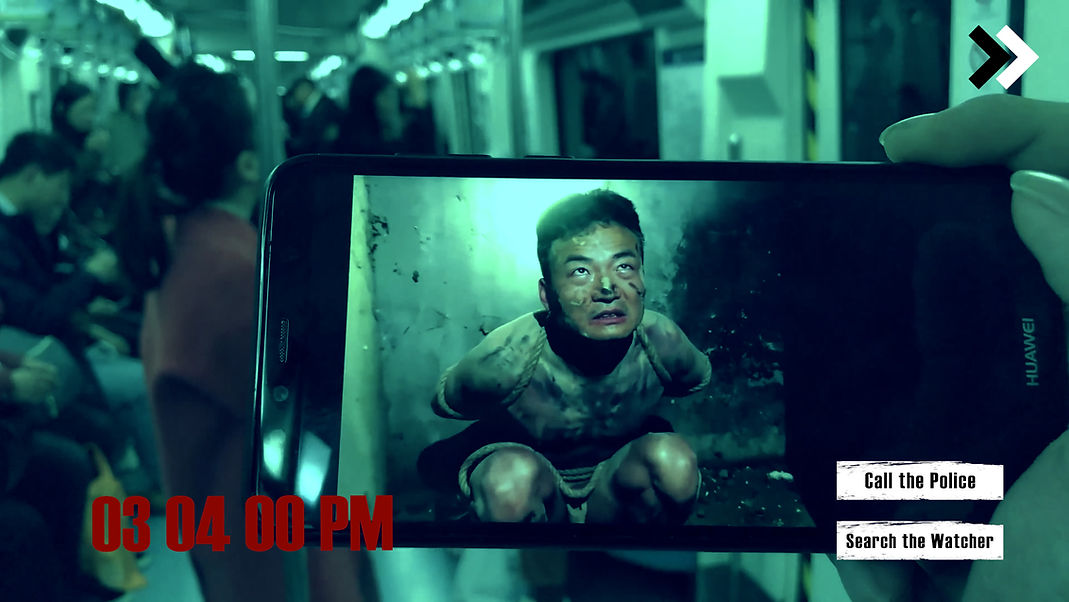
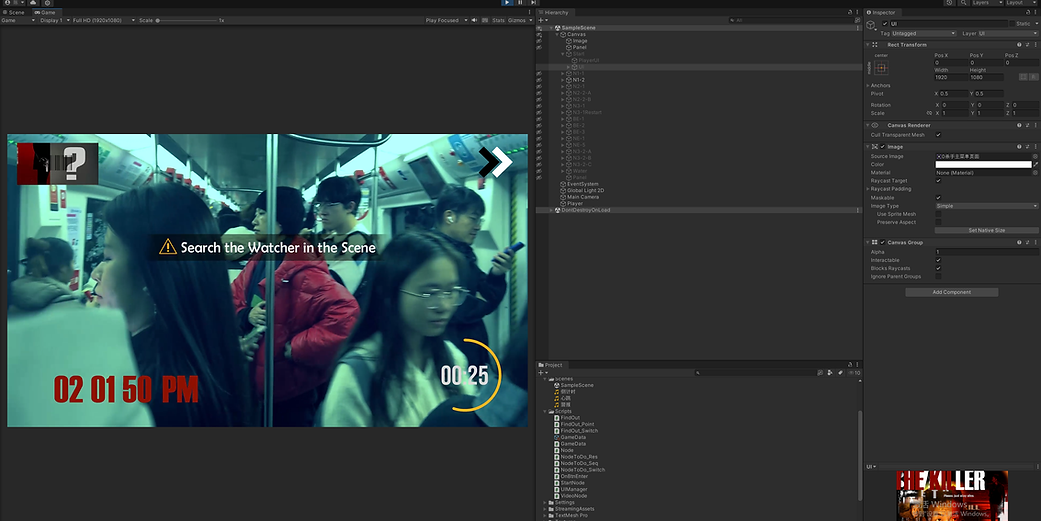
N2 Timed mall search & police alert window
N4 Tracking the director & Final confrontation with choices: "kill director / surrender / fire warning shot"
Interaction Design
Critical nodes offer 2–3 options with 3–5 second countdown (timeout triggers default branch). Players click environmental elements for light investigation.Internal 0–3 risk level system affects police alert success rate and Bad Ending likelihood. System Implementation: Node-based FMV architecture structured as: Node Tree + Task Processor + Global Manager, Conditional nodes branch paths based on alert frequency and investigation results
Countdown bar, risk alerts, and minimal instructions (choice buttons edge-anchored). Cinematic realism with desaturated red/white/grey palette emphasizing urgency. Countdown SFX: heartbeat + stopwatch ticks. Key information uses distinctive alert tones
All Selection Points
N1-1: Selection Node

N2-1: Selection Node
Player can make different selection to experience different endings
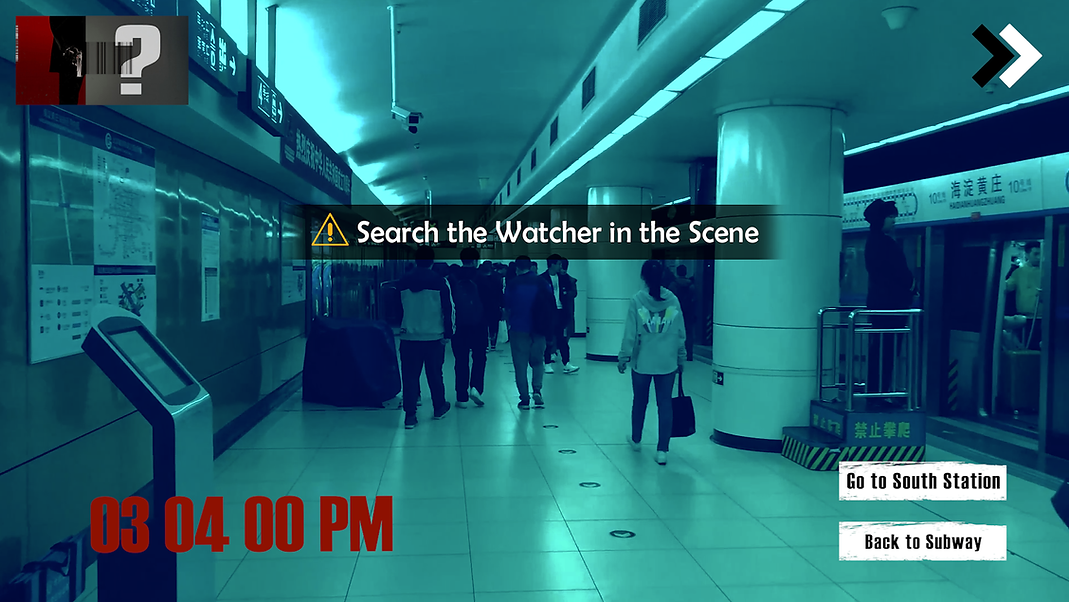
N1-2: Selection Node

N3-1: Selection Node
Find the Hit Target & the Watcher
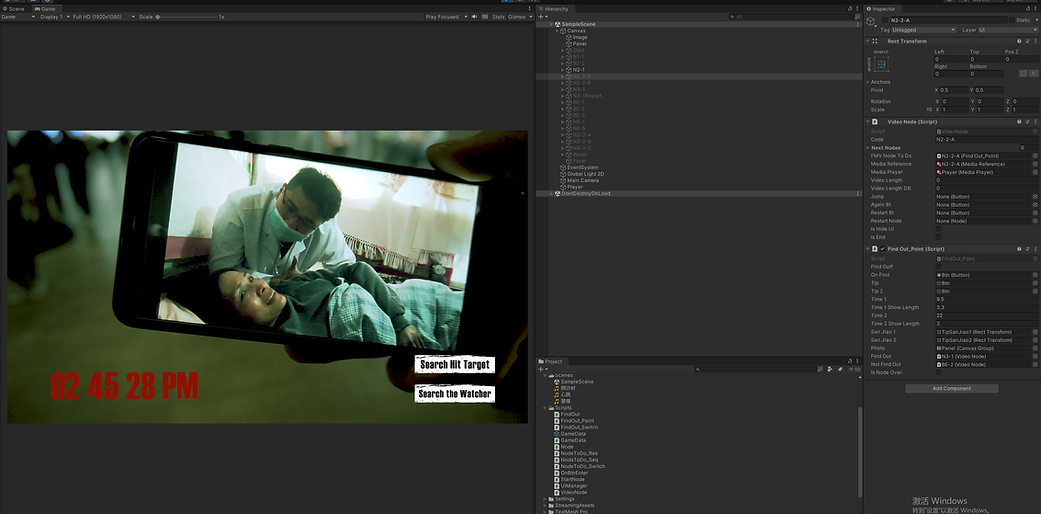
The player can select to search the Hit Target or to search the Watcher at Node N2-1, below is the outcome of find the Watcher and the Hit Target successfully

N2-2-A: Click the Hit Target in the scene to confirm
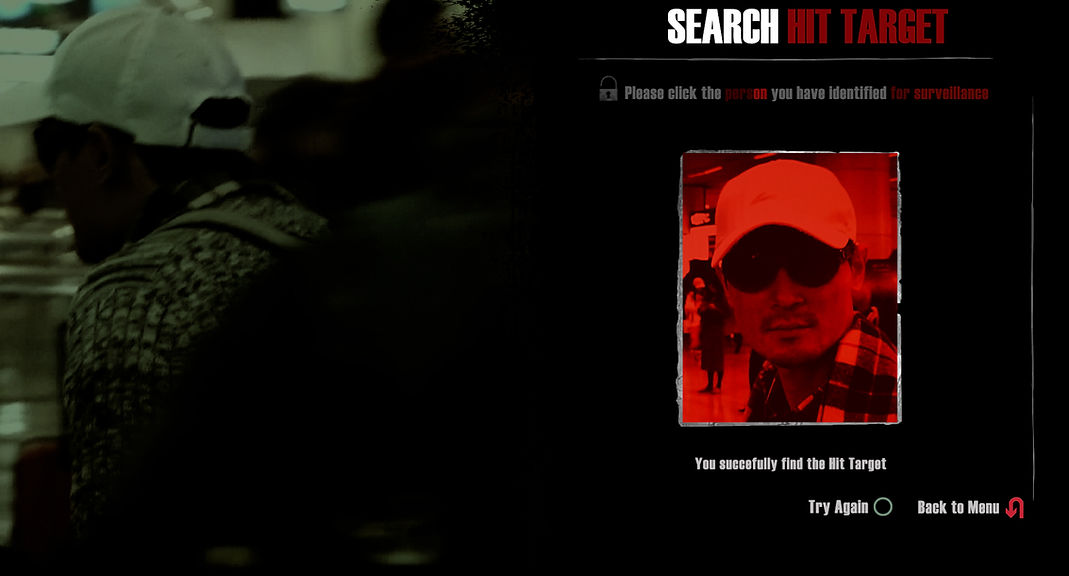
N2-2-A: Successfully find the Hit Target

N2-2-B: Find the Watcher from 9 scenes in the photo above

N2-2-B: Successfully find the Watcher
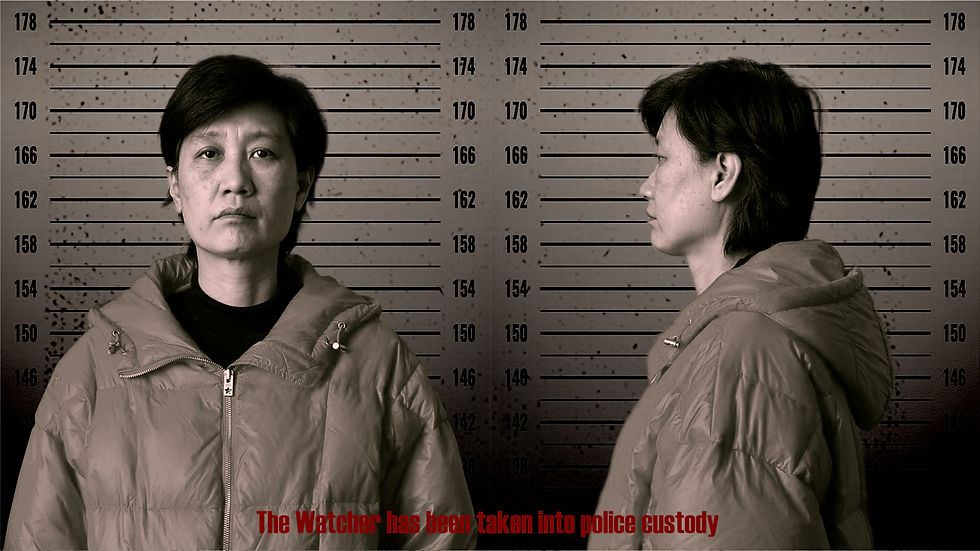
Bad Endings
Depending on the player’s choices and interactions, different bad endings can be triggered.
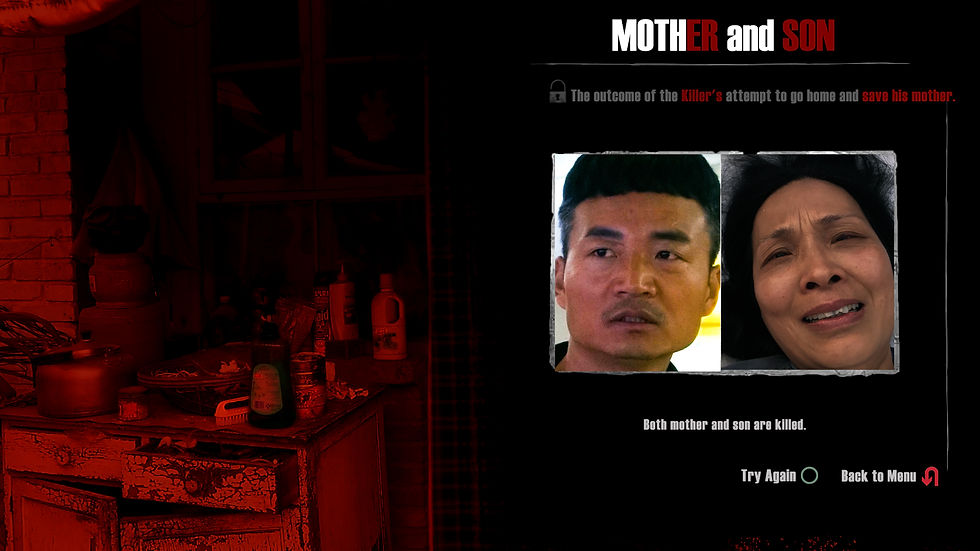
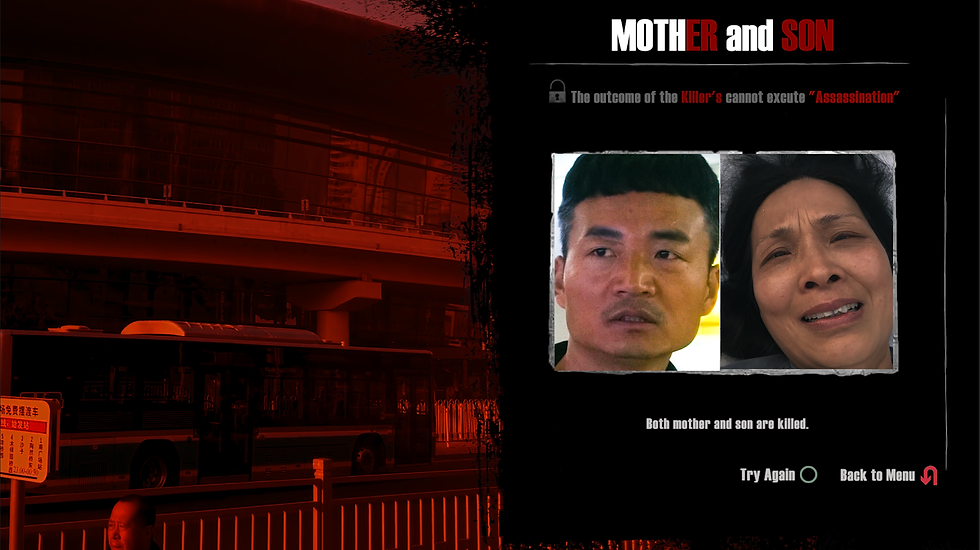
Production Process
1. Make the Branching Story Map
Split the story into “nodes.” For each node, write: what happens, the 2–3 choices the player can click, whether there’s a timer, what happens if time runs out, which node each choice goes to, and which ending(s) it can lead to.
2. Edit the video Content for each node
Flow the flow chart above, edit each node in Premiere Pro, add timecode and any non-clickable overlays (subtitles, prompts, etc.), then export them in the same video format.
Edit Each Node in Adobe Premiere


3. Build the node system in Unity
Rebuild the node tree in Unity and make the full flow work: play video → show choices/timer → click a choice → jump to the next node.

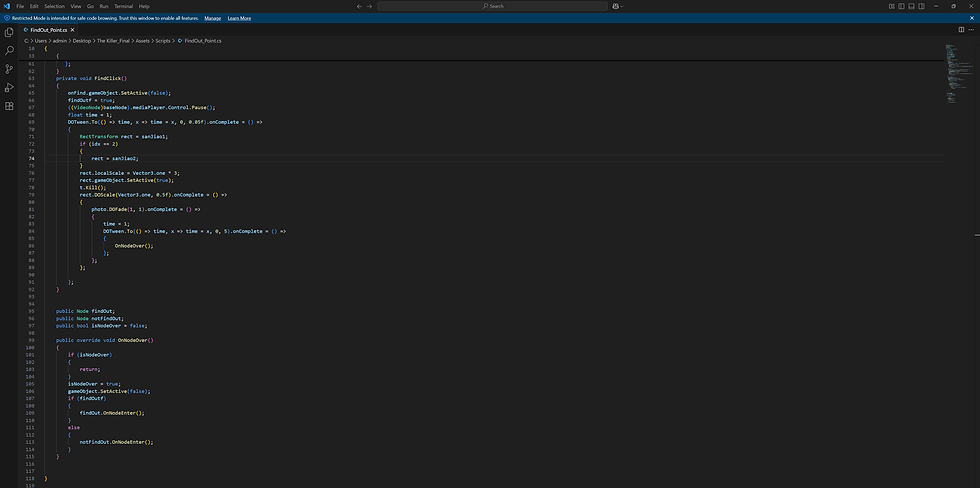

4. Add UI and export to WebGL and test Online
Add UI and clickable areas on the video (hit targets) for triggers, and track a few simple states (e.g., “called the police,” “found a clue”) so later scenes can change based on what the player did. Build the project as WebGL and test it on a website: loading speed, video smoothness, audio/video sync, sound, and browser compatibility. If needed, compress videos more, change the preload order, and reduce file size—then lock the final playable build.
UI for key Interaction Points


Killer Film - 5 Min
Killer Shotlist (Chinese Ver.)
For more Project

AGEPASS
A living system where “screening equals computation.” The audience are co-authors.

Messages from Heaven
An AI-driven interactive narrative & social simulation WebGL prototype.

Mind Heist: LIANG
An ongoing narrative-driven 3D action ARPG prototype, built with Unreal Engine 5.